
Documentation



Settings
Start configuring the plugin from the SETTINGS section.
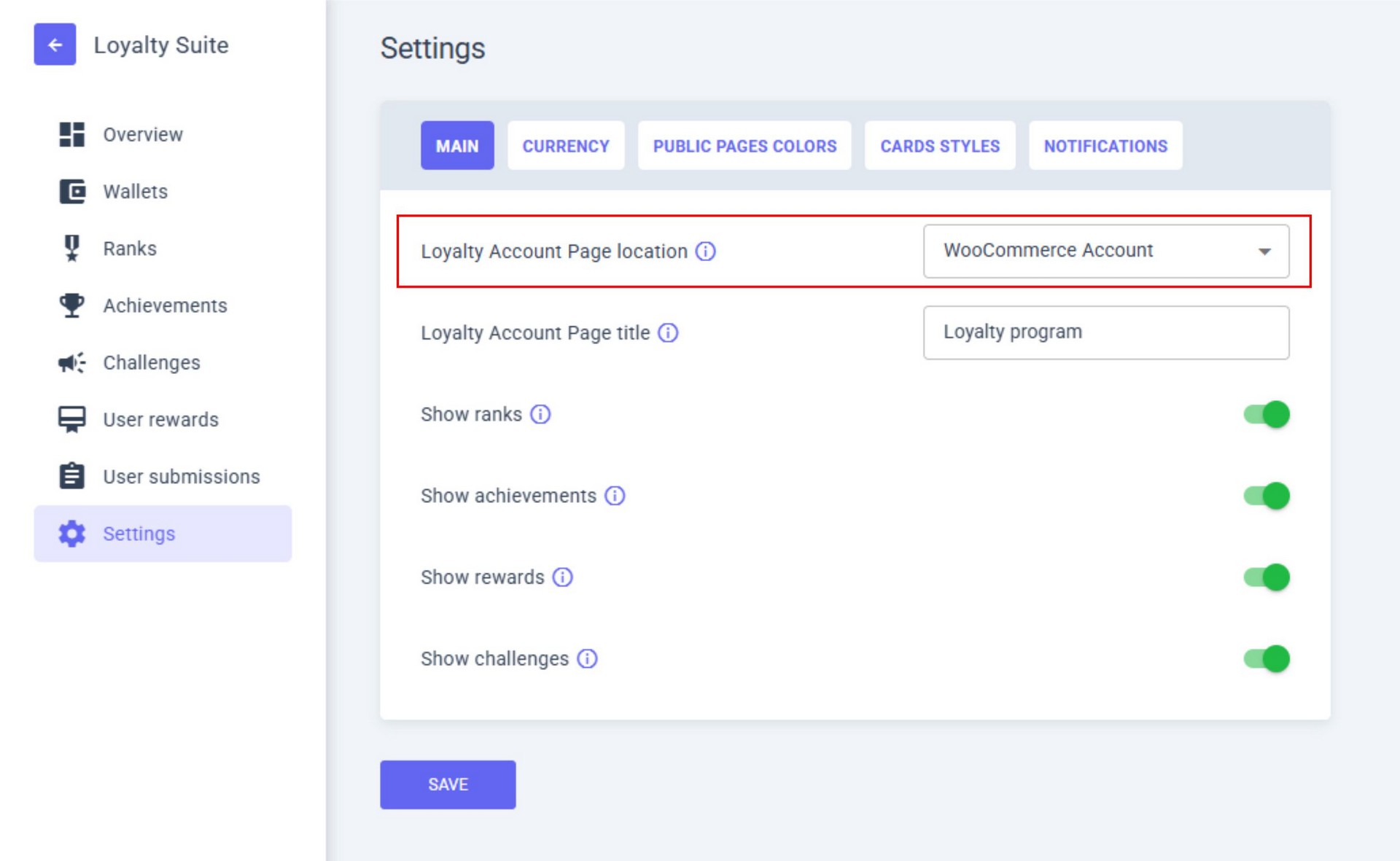
1. Choose the placement of the loyalty program.
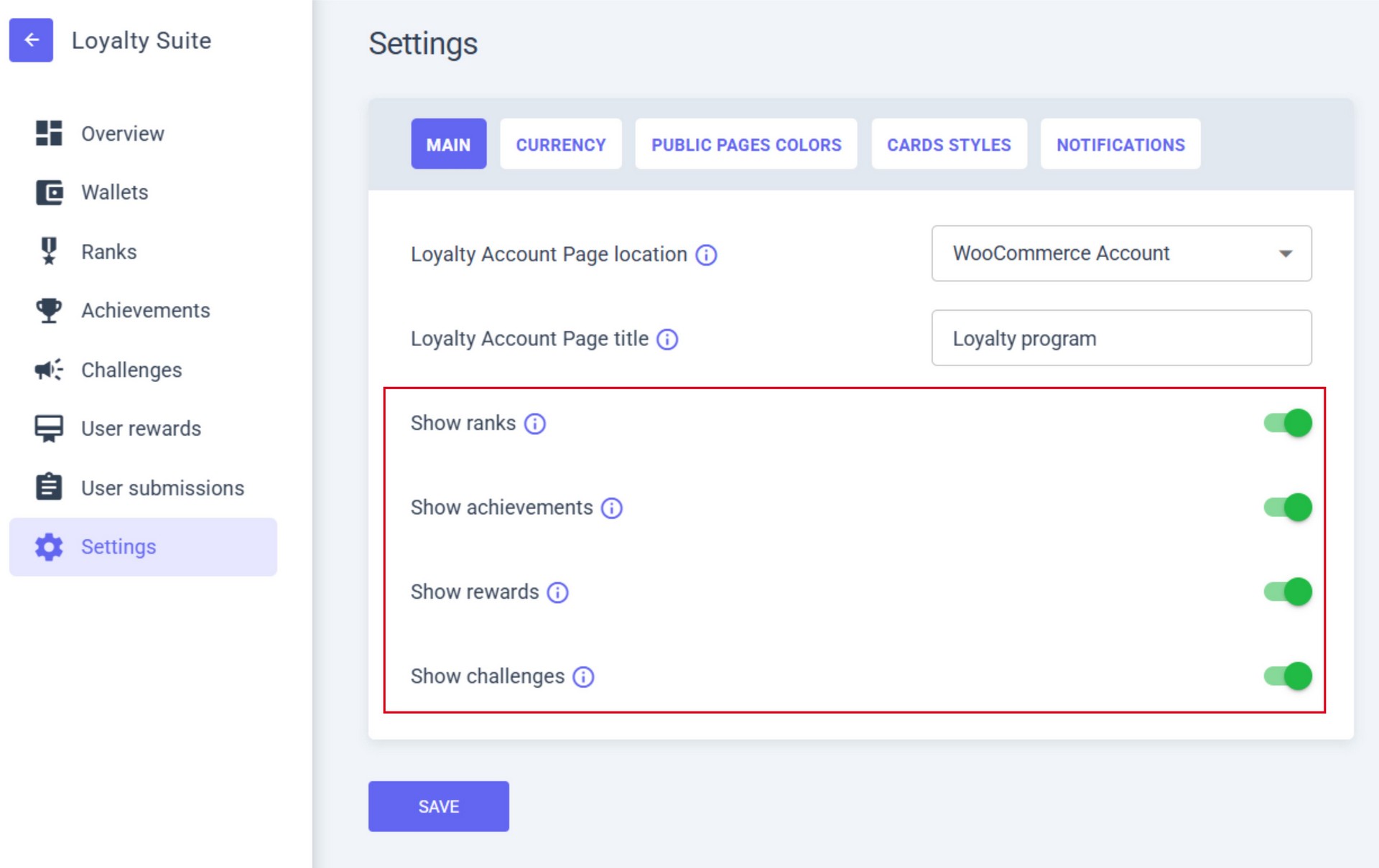
2. Enable the display of all functions of the loyalty program (by default, everything is active).
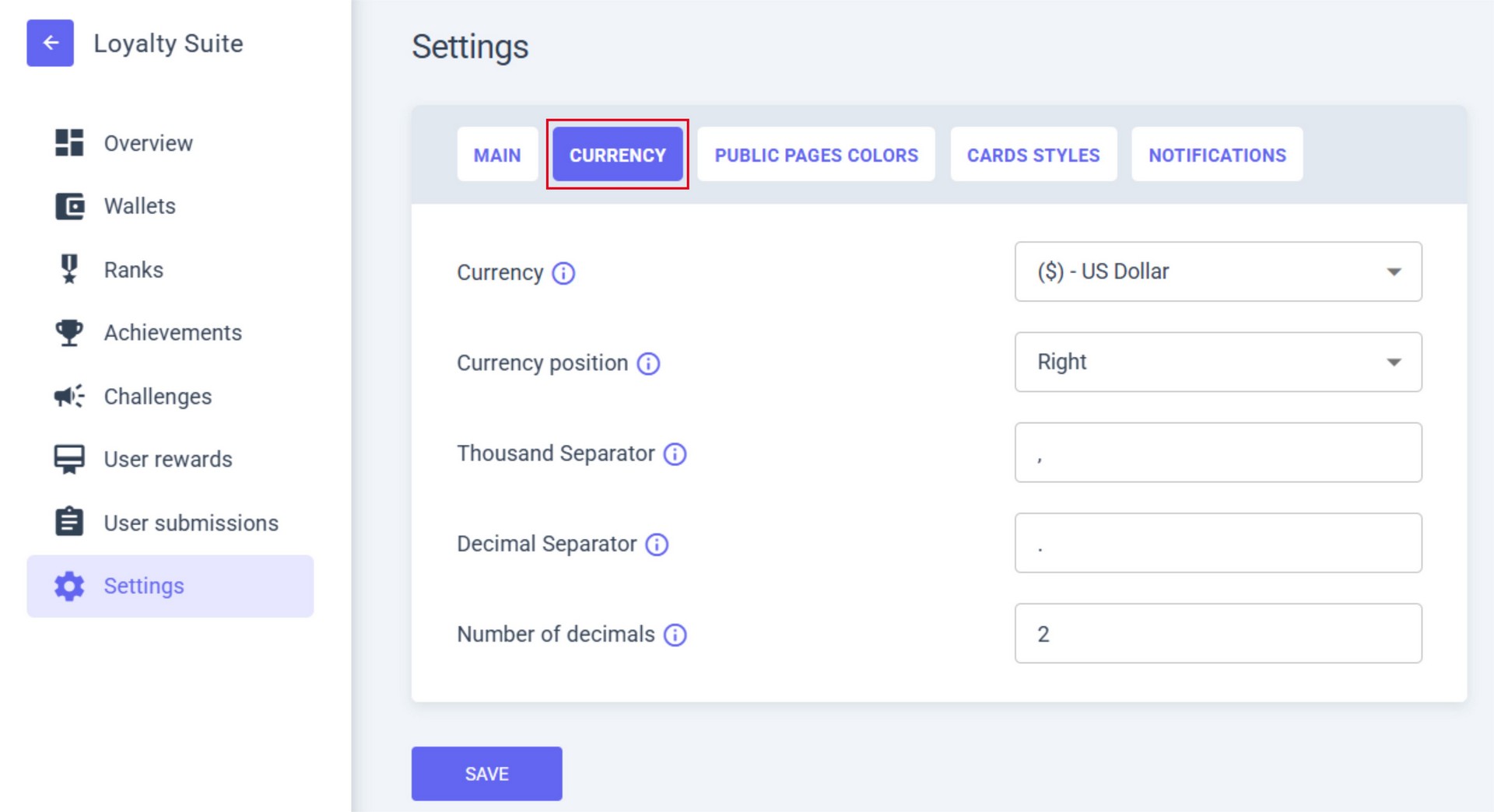
3. Set up the currency and format of your country in the CURRENCY tab.
4. The design of Loyalty Suite is fully customizable; you can configure the plugin’s appearance to match your website design. Use the PUBLIC PAGE COLORS and CARD STYLES tabs.
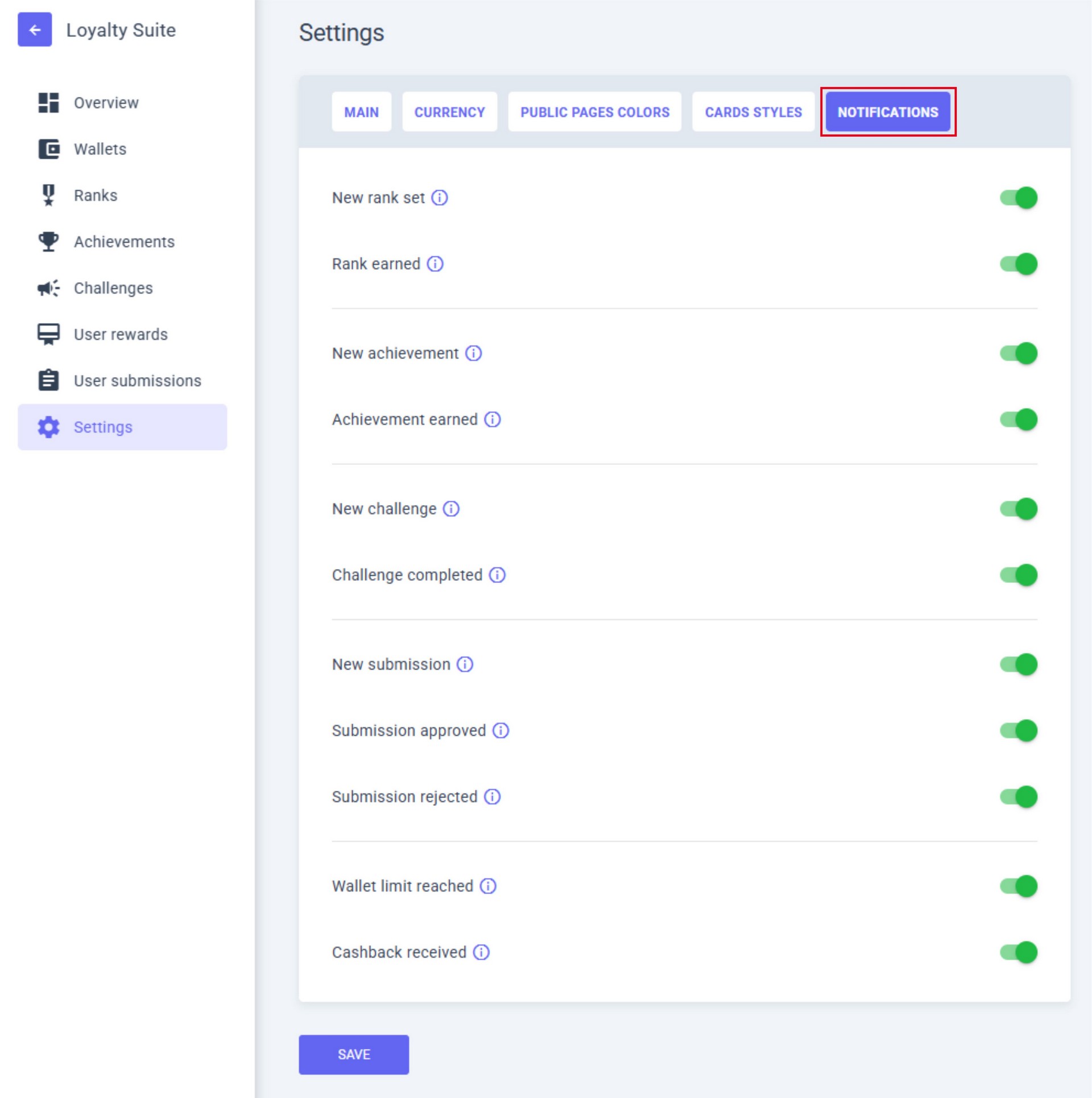
5. Configure NOTIFICATIONS to inform users about new events in your loyalty program.
When the setup is complete, click the SAVE button.