
User Submissions
Overview
The User Submissions section is where users submit requests for the site administrator to review a completed task.
In the list of CONDITIONS for the loyalty program, there are 3 tasks (in the Social Networks section) to complete:
- Follow us
- Share Content
- Publish Content
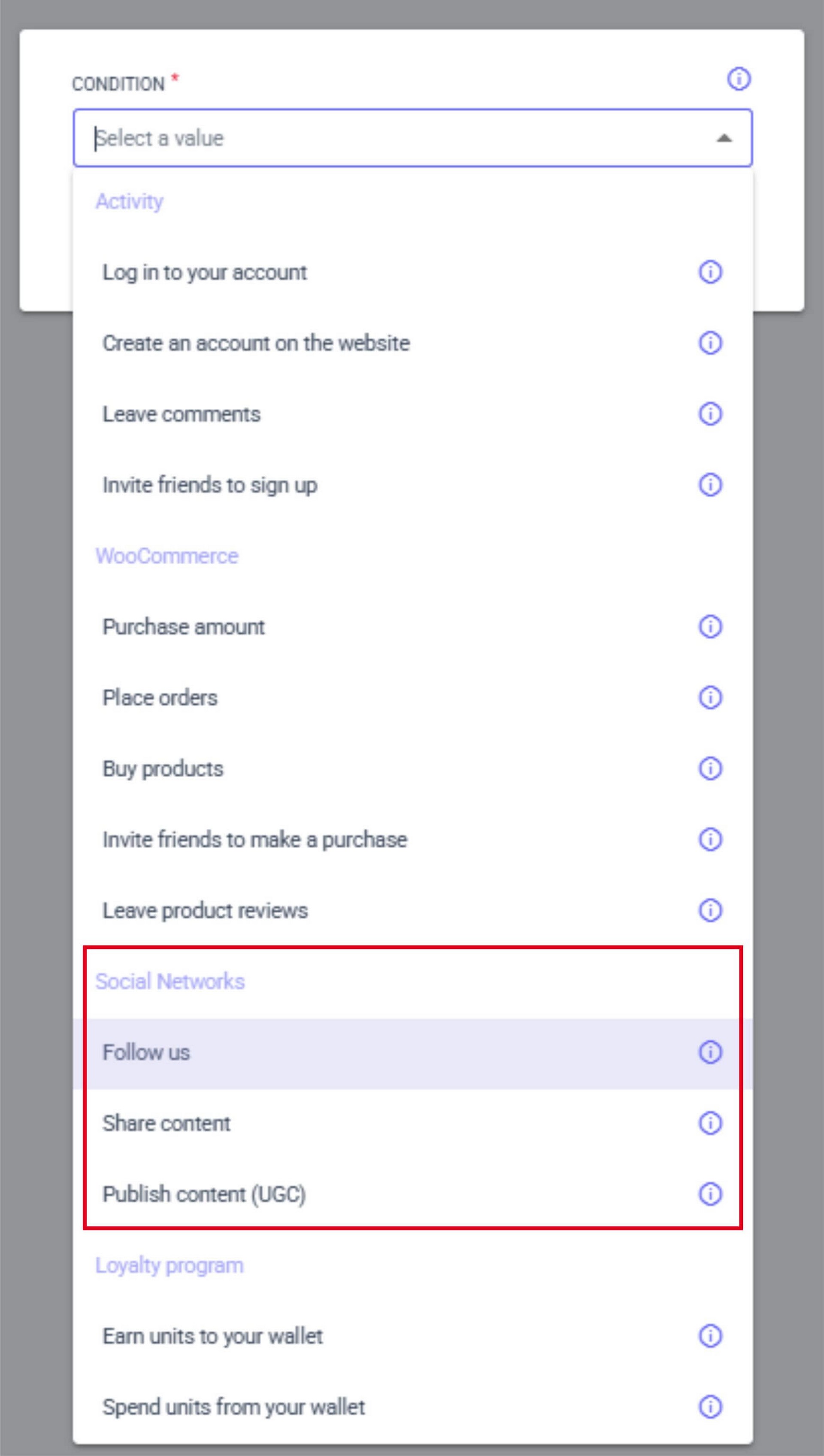
These tasks are performed on a third-party website (e.g., on Facebook). Therefore, the user sends a request with the completed task to the administrator, and the administrator verifies that the task was completed correctly.
The request appears in the list in the USER SUBMISSIONS section, and the administrator checks it and assigns it one of the following statuses:
- Approved
- Rejected
All CONDITIONS in the Social Network section have the USER ACTION VERIFICATION option. This is the verification of a completed task and is divided into two types:
- VERIFY MANUALLY – you will need to manually check the task completion in the USER SUBMISSIONS menu and manually approve it;
- TRUST THE USER – there is no task verification; it's assumed that the user completed the task themselves, and verification is not required. A verification request will not appear in USER SUBMISSIONS.